
Student Online Registration - Parent/Guardian User Guide
Please review the documents required by the Maynard Public Schools for registration on the Student Registration page under the "For Families" tab of our website. Documents related to identification and proof of residency need to be brought to the school in person. All other forms may be completed and then uploaded to your online registration. Questions can be directed to helpdesk@maynard.k12.ma.us.
STEP 1 - LOGIN
Login to Aspen. If you do not know your Aspen login information or need to create a new account, please follow these instructions to create or find your account.
STEP 2 - INITIATE REGISTRATION
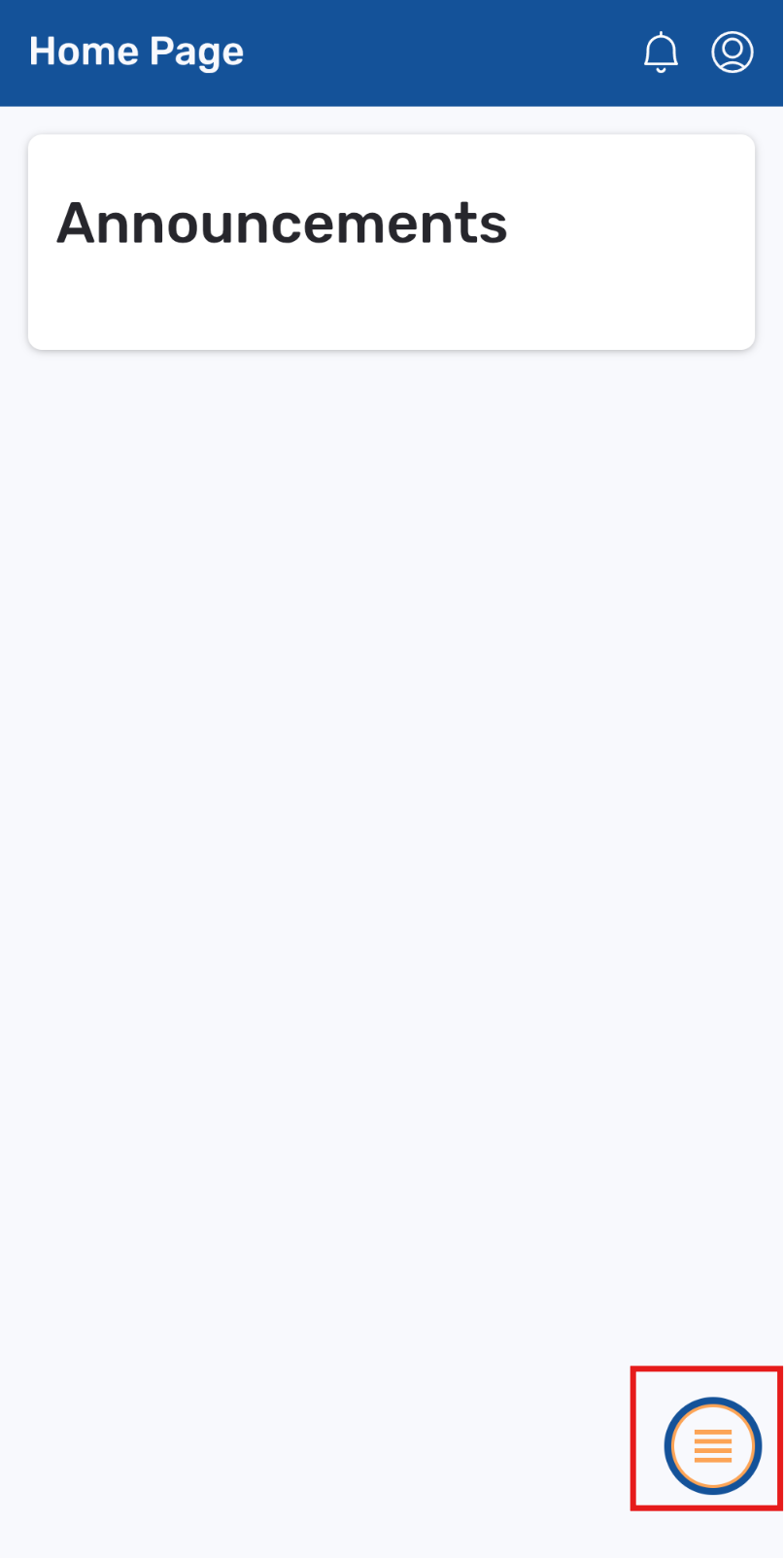
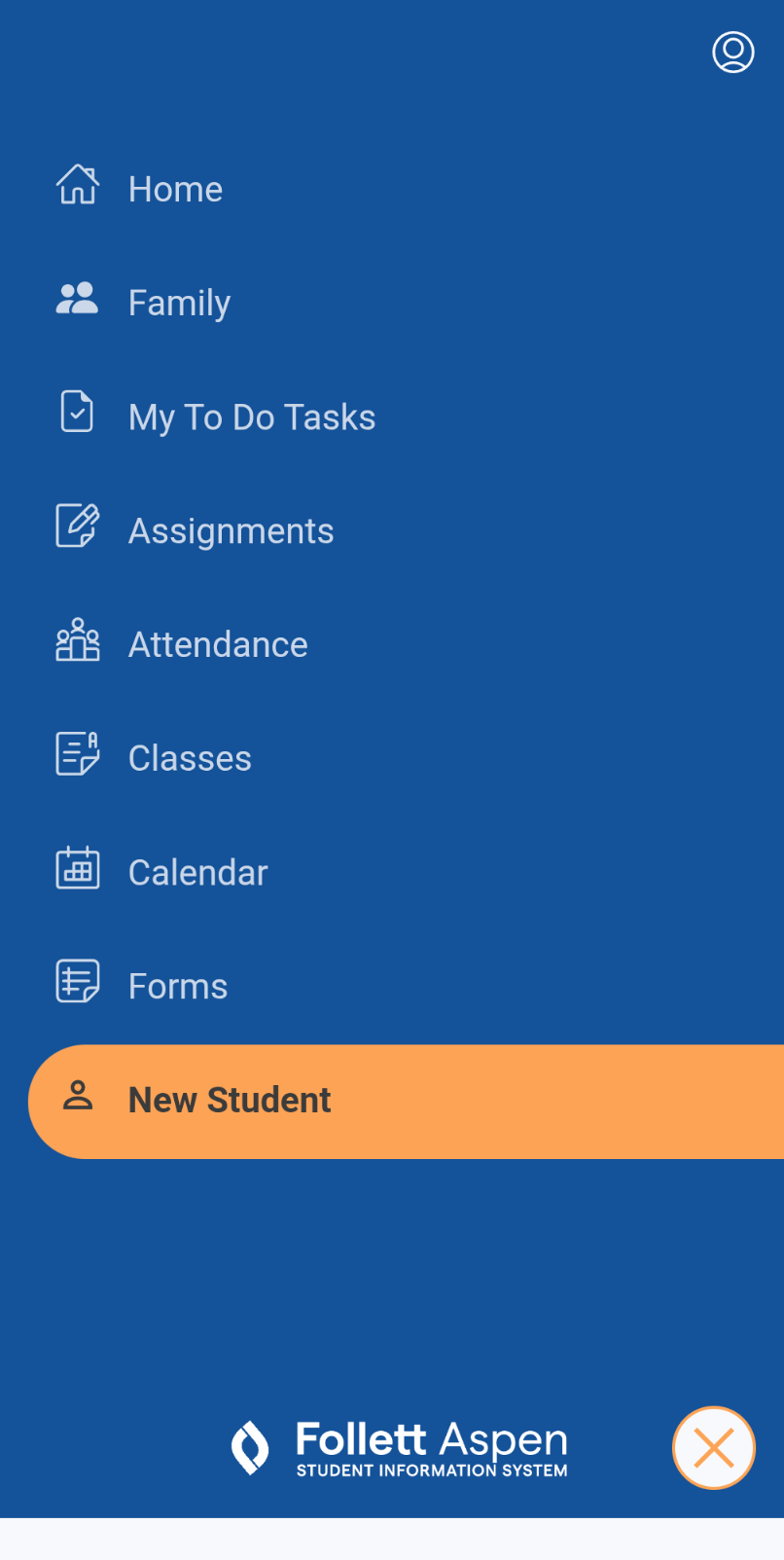
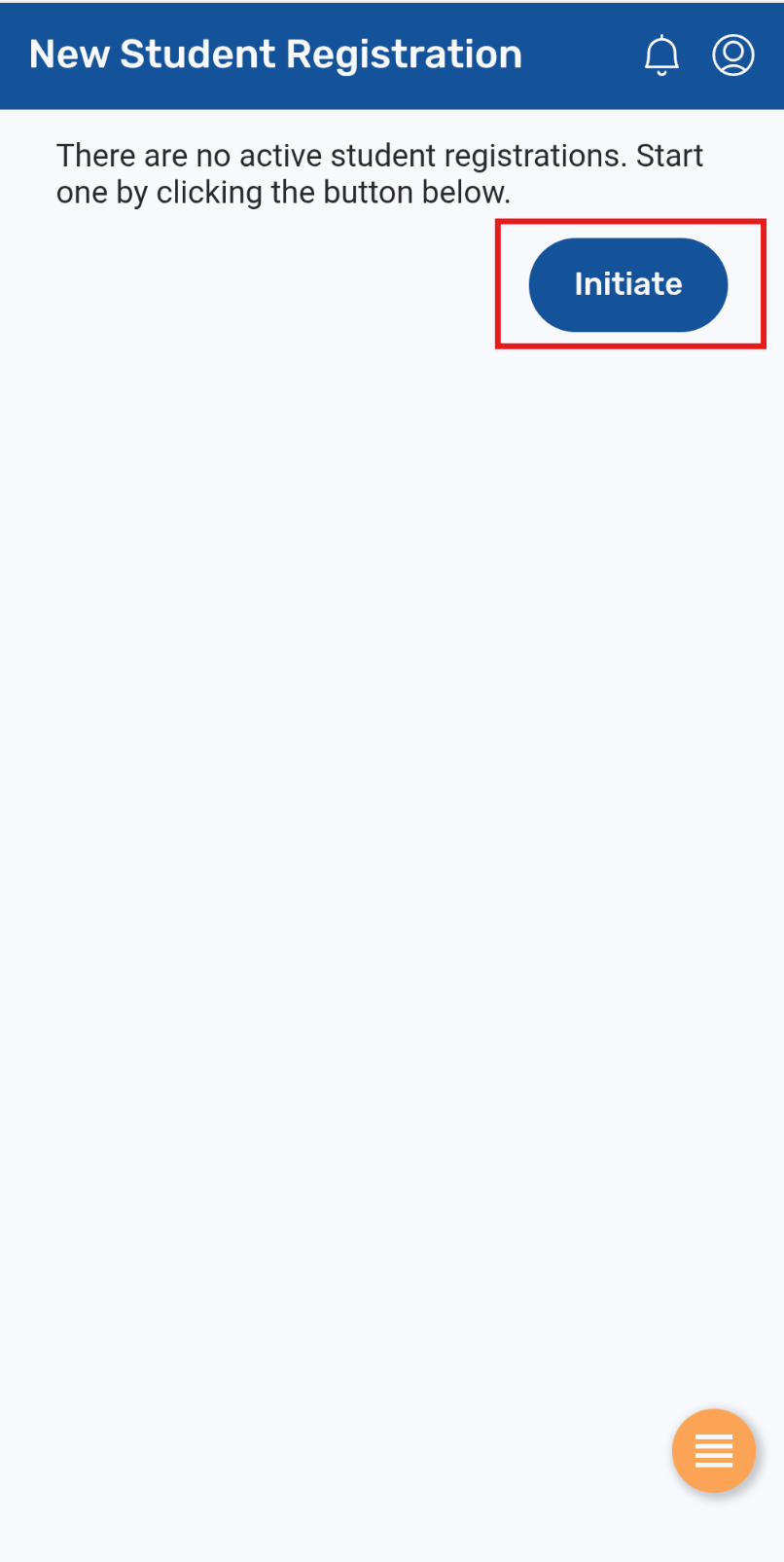
Once you have logged into your Aspen account, click on the menu button in the bottom right corner and navigate to the new student menu item. On the next page, you will be able to click on the initiate button to start a new registration.
Go the menu button in the bottom right corner.
Select "new student."
Click on the initiate button to start a new registration.
STEP 3: COMPLETE AND SUBMIT REGISTRATION FORM
The system will guide you through the tabs of each page on the form by clicking the "next" at the bottom. If you missed any required fields, the system will have you go back and complete those before moving on to the next tab.
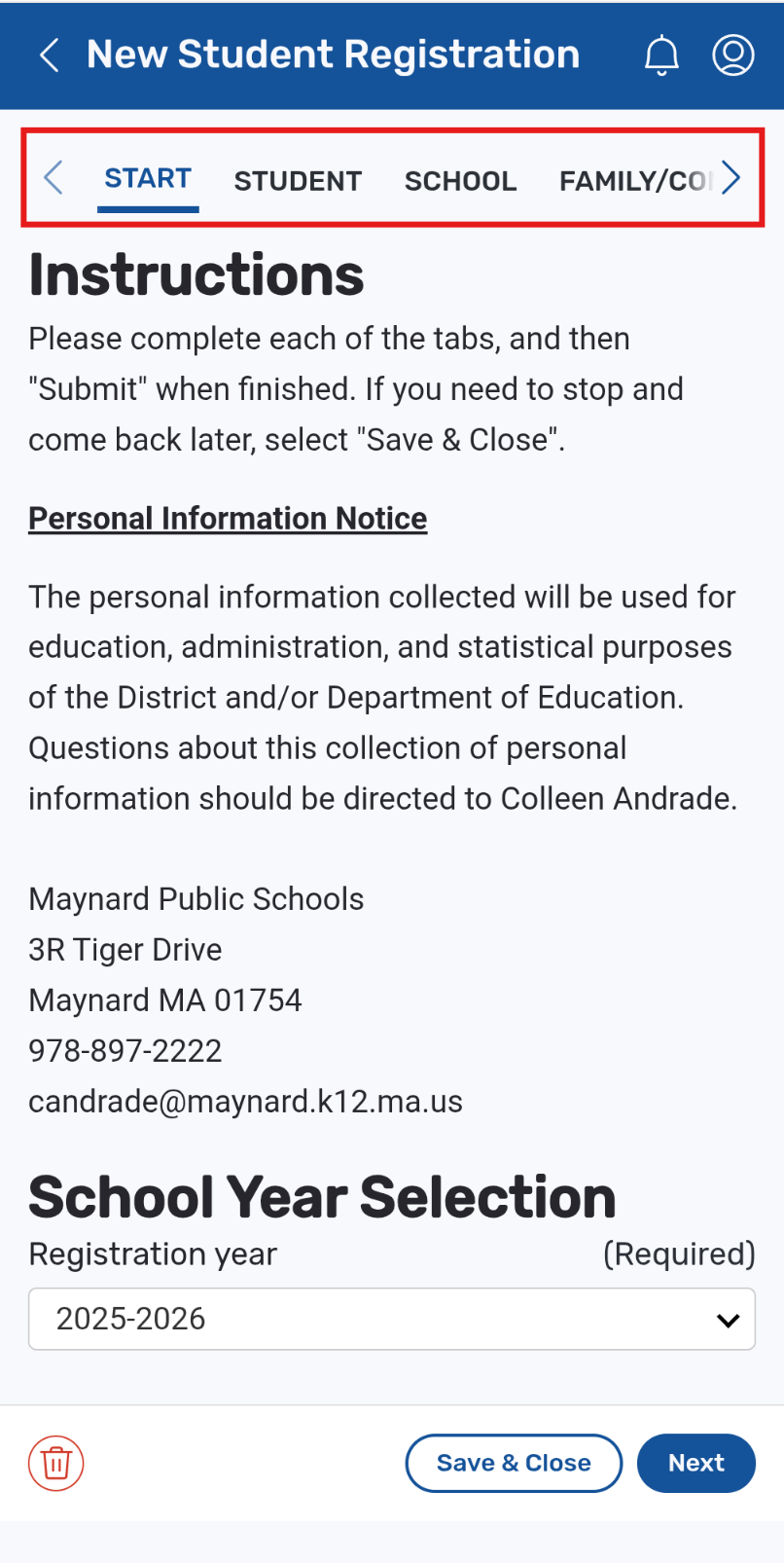
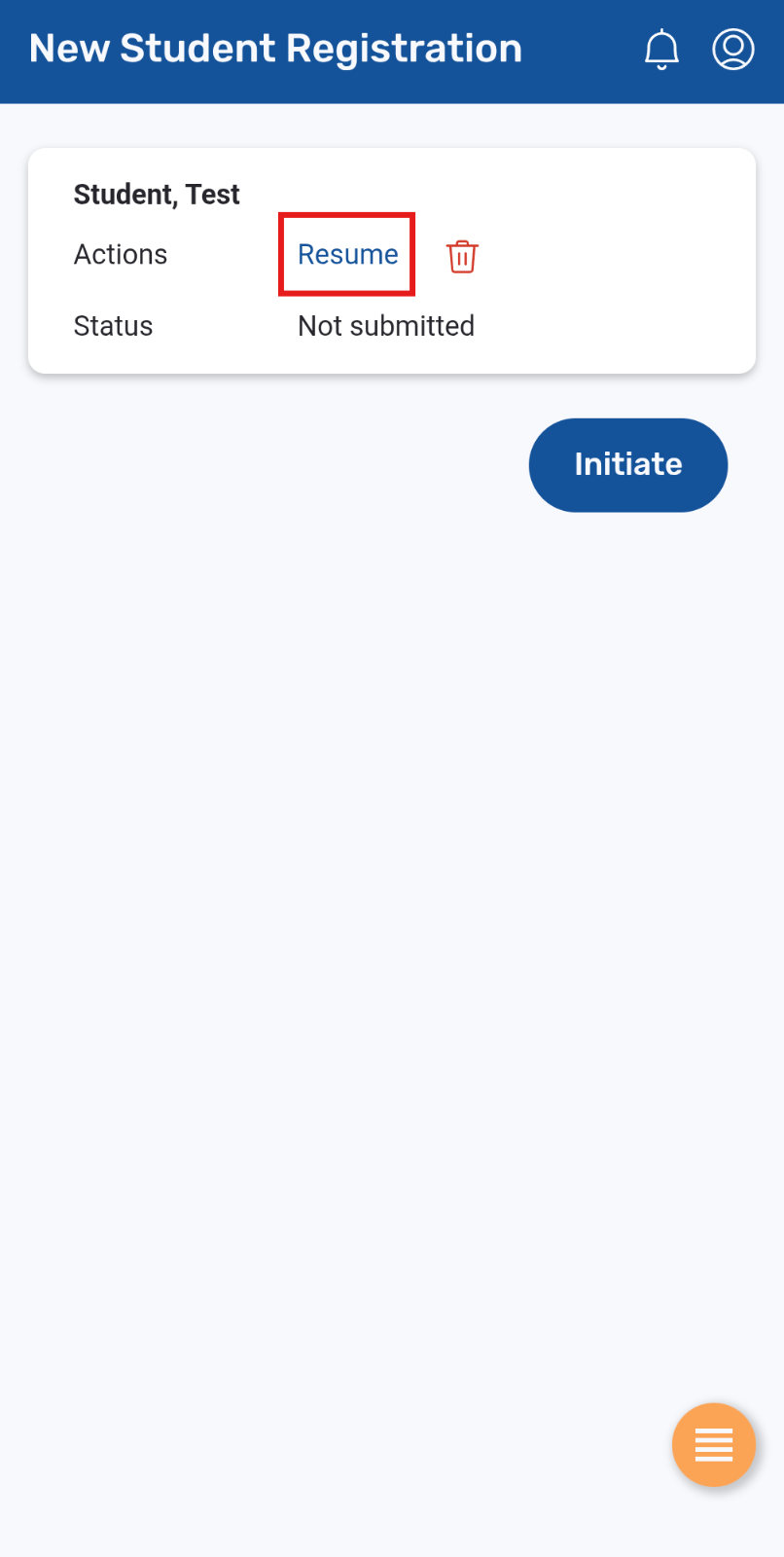
You may click the “Save & Close” button at any time to save your work and complete it later. To continue working on the registration, you can navigate back to the "new student" menu page and click on the resume button.
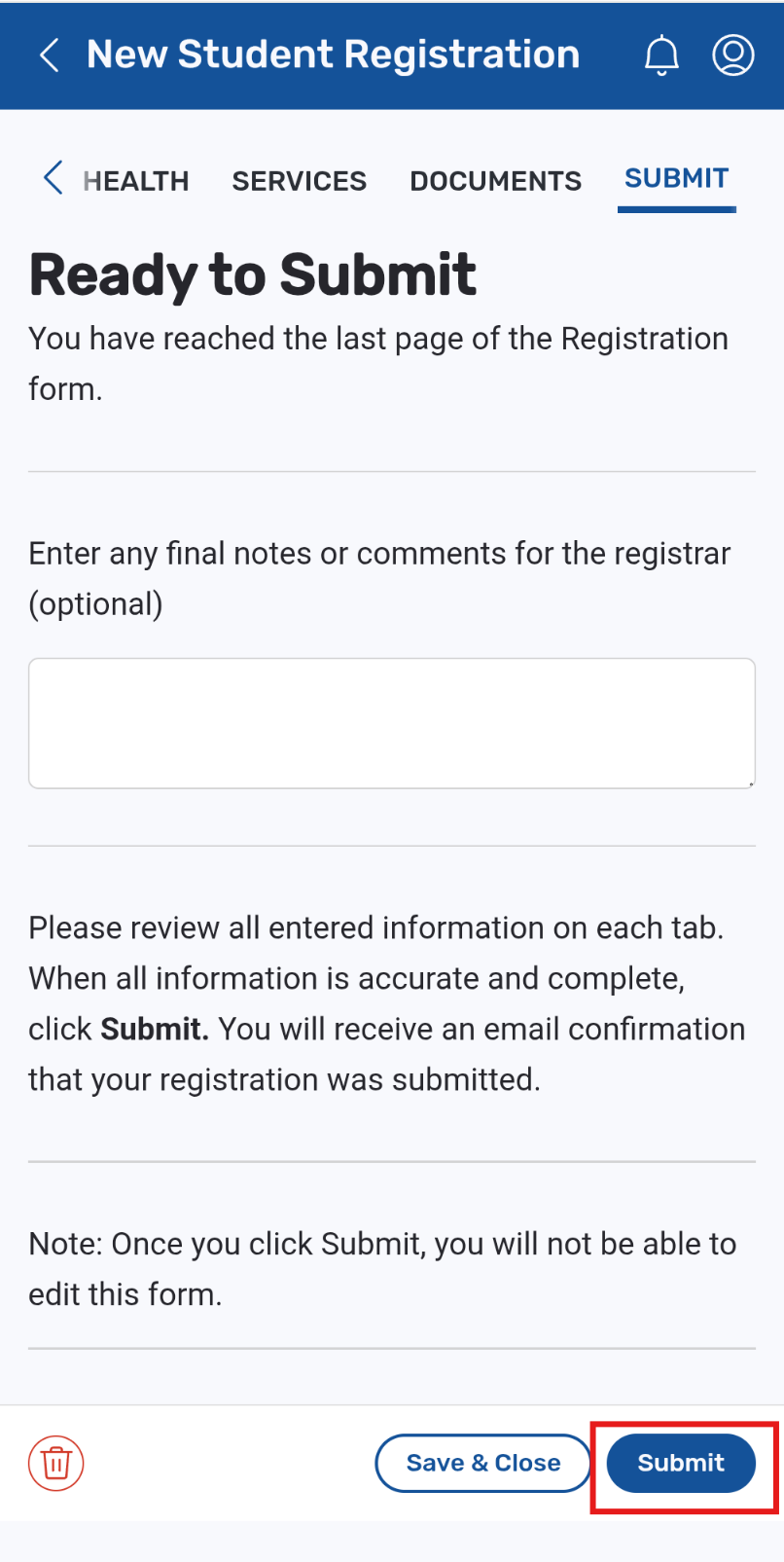
After you have completed the form and uploaded the required documents, you will be able to submit the form on the final tab.
Note: Online registration is NOT available for Preschool at this time. Online registration is for K-12 only.
Documents can either be uploaded as PDF files when completing the online registration form or hard copies can be delivered to the school directly. If providing hard copies of documents, the registration can be submitted prior to providing the documents.
If requesting a future start date that is also partially through a school year, such as a planned move to the district a few months out, please include this information in the notes or comments under the Submit tab.
Once submitted, the school will review your registration form and they will reach out with questions or to notify you once the registration is complete.
If desired, you can separately apply for free and reduced school meals online or use the paper application to the right of this page.
If you need assistance with the registration process or if you would like to cancel the registration, email helpdesk@maynard.k12.ma.us or contact the applicable school.